 Bevel
BevelPlatform
Bevel OS: the operating system
for AI-native enterprises.
Infrastructure to run enterprise AI, completely independent from model and agent vendors. The context and data layer, agent capabilities, tool access, and where your intelligence runs. All owned and hosted by you.
Data and context layer for AI
An always up-to-date context layer for people and agents. One source of truth, so ten teams stop maintaining ten versions of the same answer.
Security and governance
Defines who and what can access which data and actions, and enforces those rules across every agent and application.
Hosted and owned by you
Runs in your own environment, behind your identity provider, with user provisioning from Entra, Okta or OneLogin. Your data stays under your control, air-gapped if required. Or we run it for you on our EU servers.
Any model, any agent, spend you can see
Route each task to Anthropic, Microsoft, Google, AWS or EU-hosted models with cost caps per team, and switch without rebuilding anything.
How it works
What every agent in your company gets from Bevel OS.
01Context
Knowledge your team has checked.
Validated by your team, so people and agents across the company can rely on it.
- Every page has an owner
- Changes go live when the owner approves them
- Every version is kept
Context / Sites / Munich.md
Munich: site setup
Which setup does our Munich site run?
Claude
Munich runs Custom setup B: a second gateway, a local data store and a weekly maintenance window on Sundays.
Source: Sites / Munich, approved by Ops
02Skills
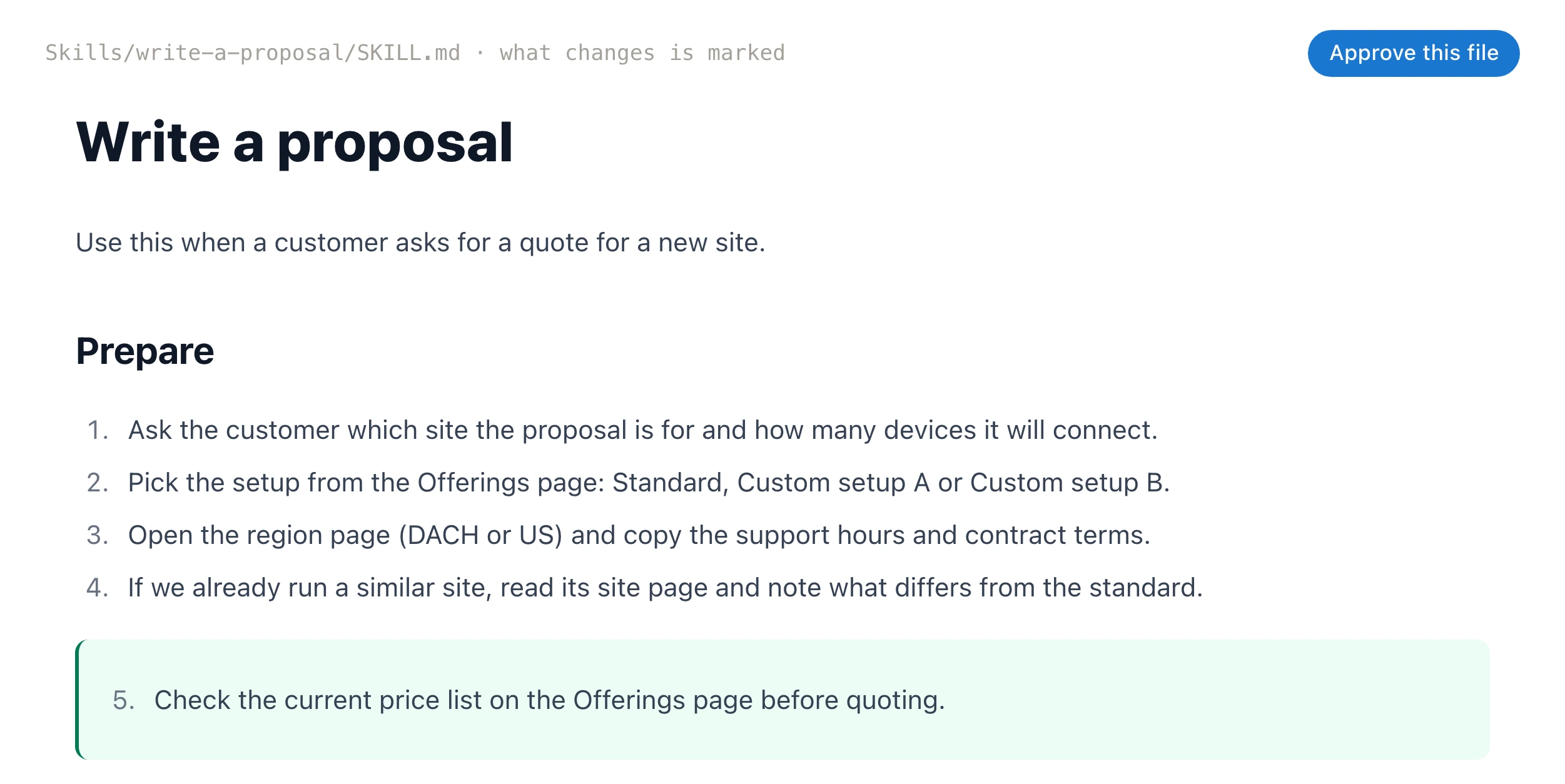
Skills your whole team collaborates on.
Improve them together, instead of keeping them on people's own computers.
- Anyone can suggest a change in the browser
- The owner approves it, and every agent gets it
- Start from 58 ready-made skills
03Tools
100s of tools. One MCP.
Connect any tool once and give your team access, instead of re-plugging and re-authenticating everything, everywhere.
- HubSpot
- Notion
- Jira
- Confluence
- Linear
- Google Drive
- GitHub
- Gmail
- Zendesk
- Any MCP server or API
- Claude
- ChatGPT
- Cursor
- Claude Code
- Codex
- Any MCP agent
- Sign in onceUse a shared key, or let each person sign in with their own account.
- Keys stay on the serverAgents use tools through Bevel OS and never see a credential.
- No prompt overloadAgents look tools up when they need them, so a hundred tools don't fill the context.
04Access
Fine-grained access control.
Control who sees every file, skill and tool, so each agent sees only what its person may.
- readSales can read Pricing. Finance can edit it.
- ownerOnly Ops approves changes to Sites / Munich.
- denySupport and its agents can't open HR.
05All together
Ask Claude for a customer offer: it uses your GTM skill, checks your pricing strategy and reviews past deals in your CRM.
You ask
LWLena, Sales · in Claude
Draft an offer for Stadtwerke Augsburg.
Agent
- Drafts the offerUsing the GTM skill Skill
- Checks the pricing strategyUsing shared context, approved by Finance Context
- Gets 3 past dealsUsing the HubSpot tool Tool
- Looks for confidential financial dataLena doesn't have access, so Claude can't see it Access
You get
offer-stadtwerke-augsburg.md
Offer: Stadtwerke Augsburg
Ready for Lena to review
For IT
Governance IT signs off on.
Your data stays on your git server, people sign in through your identity provider, and every user gets audit logs and fine-grained access.
Your git server
Every page, skill and change is a commit in a repository you control.
Your identity provider
Sign-in and user provisioning from Entra, Okta or OneLogin.
Audit logs
See which agent used which tool and skill, and revoke any connection.
Fine-grained access
Rules per folder, file, skill and tool, for people and their agents.